How a Nonprofit Replaced $110/mo Zapier With $0 AWS Lambda
A nonprofit paid $110/month for Zapier to run one simple automation. Six hours of expert code moved it to AWS Lambda's free tier — a 100% infrastructure cost cut.
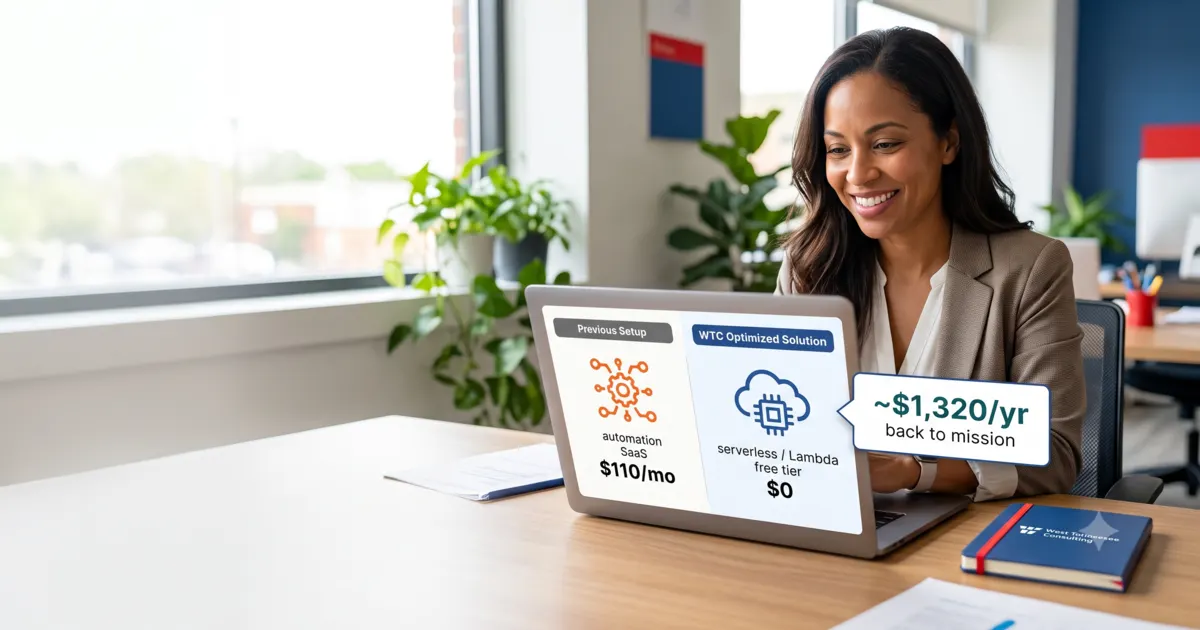
A nonprofit we work with was paying $110 a month for Zapier — $1,320 a year — to run a single, simple automation: when a document landed in a shared Google Drive folder, fire off a webhook to notify another system. One trigger, one action. That's it.
This is one of the most common traps we see with small teams and nonprofits. A tool like Zapier is genuinely great, but it's priced for organizations running hundreds of complex, high-volume workflows. When you're using it for one small job, you're renting a warehouse to store a single box.
The reality check: you're nowhere near the limits
Their automation ran a few thousand times a month — well under one million requests a year. That number matters, because it sits comfortably inside the AWS Lambda free tier, which covers 1 million requests per month plus 400,000 GB-seconds of compute, every month, indefinitely — not a 12-month trial.
So the same job that cost $1,320/year on Zapier costs $0 to run on Lambda.
The Zapier subscription vs the same workload on the AWS Lambda free tier.
That's a 100% infrastructure cost reduction — not a discount, not a downgrade. The software line item goes away entirely.
The build: six hours, done right
Anyone can wire up a webhook. The value isn't the code existing — it's the code being written by someone who does this for a living. Our team spent a total of six hours writing and testing the Lambda function: the Google Drive trigger, the webhook call, retry-and-error handling so a failure doesn't vanish silently, structured logging so it's observable, and a least-privilege IAM role so the function can do its one job and nothing else.
That last part is the difference between a script and a system. A DIY Zapier replacement often leaves a long-lived API token sitting inside a third-party tool. Our build keeps the credentials and the execution inside the client's own AWS account, scoped down to exactly what's needed. Our team holds CISSP and AWS Certified Security credentials, and we're an AWS Partner — security isn't a step we add at the end, it's how we build.
The model: you don't pay unless you save
Here's the part that makes this easy to say yes to. We did this on a four-year cost savings agreement: we take half of the realized savings, and the client keeps the other half. No upfront invoice, no risk. If the automation didn't save money, we wouldn't get paid.
The client keeps half from day one; after the 4-year term, they keep all of it.
For us, the six-hour build paid for itself inside the first year — the agreement was net-positive ROI after year one. For the client, the math is even better over time: they save $660 every year during the agreement, and once the four years are up, the Lambda function keeps running for free and they keep the entire $1,320/year.
Staying on Zapier vs. the Lambda build with the 4-year 50/50 agreement. The fee ends after year 4; the savings don't.
By year five, doing nothing has cost $6,600. The switch has cost $2,640 total — and $0 going forward.
This is FinOps, not a one-off
One automation is a small win. The reason it matters is that almost every organization has a stack full of these — SaaS tools priced for scale you don't have, subscriptions nobody remembers signing up for, and workloads that would run for pennies (or free) on the right infrastructure.
That's what FinOps is: treating cloud and software spend as something you actively engineer down, not a fixed cost you accept. Finding one $1,320/year line is nice. Finding the pattern across your whole stack is transformational — especially for a nonprofit, where every recovered dollar goes back into the mission.
If you're a nonprofit or small team paying for tools that feel too expensive for what you actually use, we'd like to take a look. Our cloud and cost optimization work runs on the same savings-share model — you don't pay unless we lower your bill. Get a free savings estimate or talk to our team.
Grants and savings for your nonprofit

Schooley Mitchell Cost Savings Review
An independent review of the bills you already pay: telecom, software, merchant services, waste, shipping and utilities. Contingency-based: if we find no savings, there is no fee.
No savings, no fee
See what you could save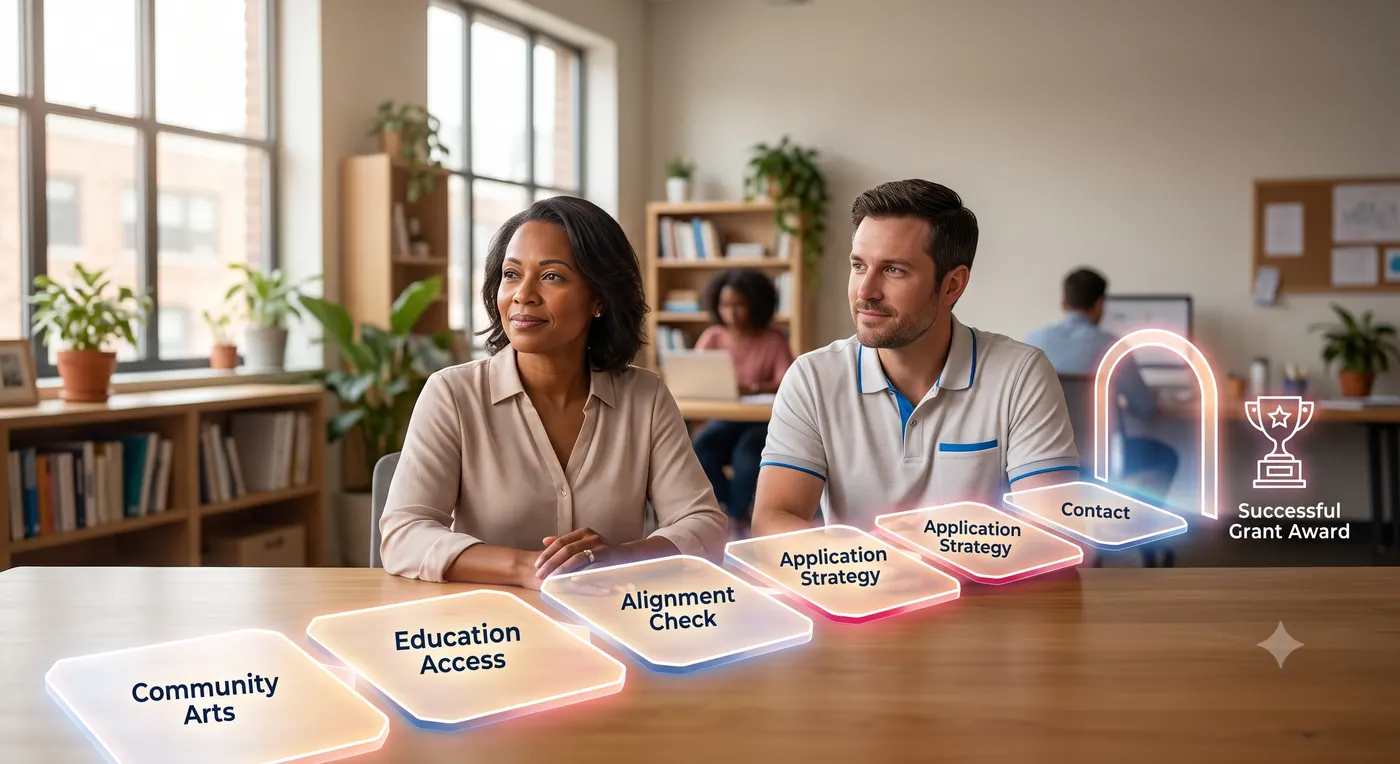
Vendor Technology Grants
WTC helps you win technology grants from vendors like Microsoft, Google, AWS and Canva. We find the grants you qualify for, write and submit the applications, and set up what you are awarded.
Fee: 1/3 of grant value · 20% at signing, balance on vendor approval · refunded if not awarded
Find your grantsWTC Software Grant
WTC itself funds your nonprofit's use of WTC software through Nonprofit Hub: a donated hub plus up to $2,000 a year in software credits. No contract, no setup fee.
Free for qualifying 501(c)(3)s · up to $2,000/yr software grant
Apply for free access
Keep reading
 Cost Optimization
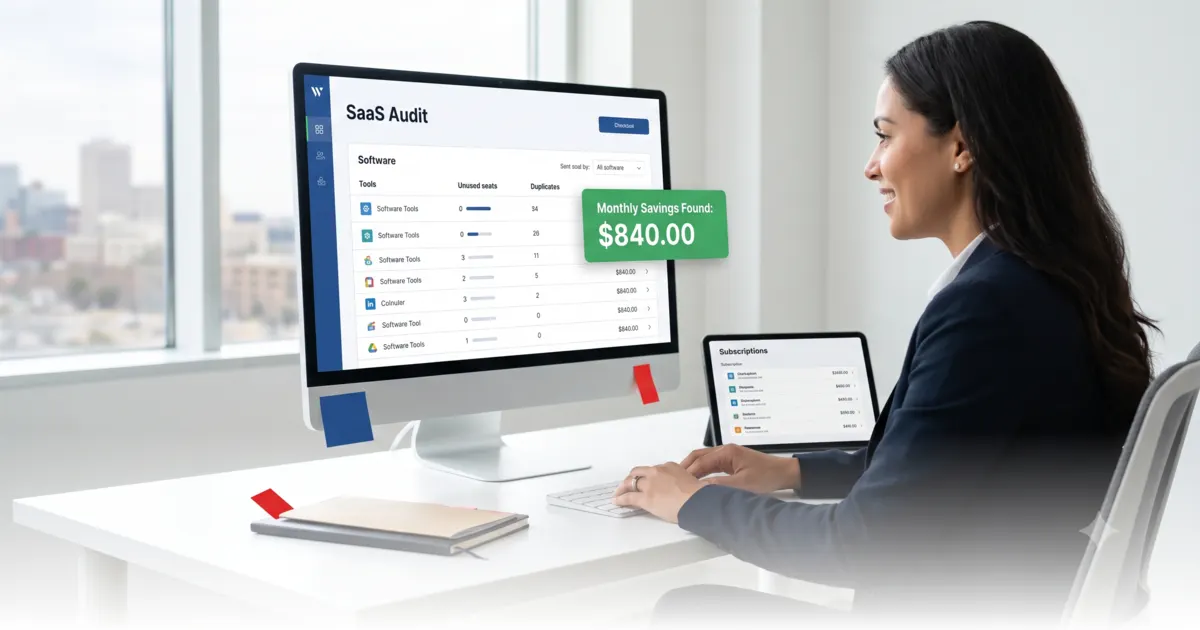
Stop Overpaying for SaaS: A 30-Minute Audit That Actually Works
Software sprawl quietly eats your budget. Here's a fast, repeatable audit to find the subscriptions you can cut, downgrade, or renegotiate.
Microsoft Nonprofit Grant Eligibility: What to Check Before You Apply
Who qualifies for Microsoft's nonprofit software grant, how status is verified, and the paperwork mistakes that stall applications. Check the official rules before you apply.
Google Ad Grants for Nonprofits: Setup, Policy, and Keeping the Grant
How Google Ad Grants work, who is excluded, and why many approved accounts lose their grant. A practical setup and compliance guide for nonprofit search advertising.
Get new posts in your inbox
Practical IT, security, and automation insights — delivered when we publish. No spam.